Freelancers and creative professionals often juggle multiple projects, making efficient storage management crucial for productivity. The clutter of files, designs, and documents can quickly become overwhelming, impacting workflow and creativity. Understanding practical storage techniques can enhance not just organization but also productivity. This article explores essential storage management tips tailored specifically to the needs of freelancers and creatives, helping you maintain a clear workspace, streamline document retrieval, and optimize your creative output.
Assess Your Storage Needs
Before implementing storage solutions, it’s vital to assess your specific needs. Consider the types of files you work with, the volume of work you produce, and whether you need quick access to certain documents. Take stock of your current storage methods and identify what isn’t working. This self-assessment will provide valuable insights, allowing you to determine whether you need physical storage solutions, cloud budgeting, or a combination of both for more effective management.
Utilize Cloud Storage Solutions
Cloud storage is an essential tool for freelancers due to its flexibility and accessibility. Services like Google Drive, Dropbox, and iCloud allow you to store files online and access them from anywhere, which is ideal for those on the move. Using these systems also ensures your work is backed up securely, reducing the risk of data loss. Organize folders in a structured manner, and use descriptive naming conventions to make file retrieval quick and efficient, enhancing your overall productivity.
Implement a File Naming Convention
A well-thought-out file naming convention can save time and reduce frustration. Create an organized structure for naming files that includes key information such as project names, dates, and versions. For example, using a format like ‘ProjectName_YYYYMMDD_V1’ can help you quickly identify the content and context of each file. Stick to this convention across all projects to maintain consistency, which will make searching for documents much easier and less time-consuming.
Optimize Your Physical Space
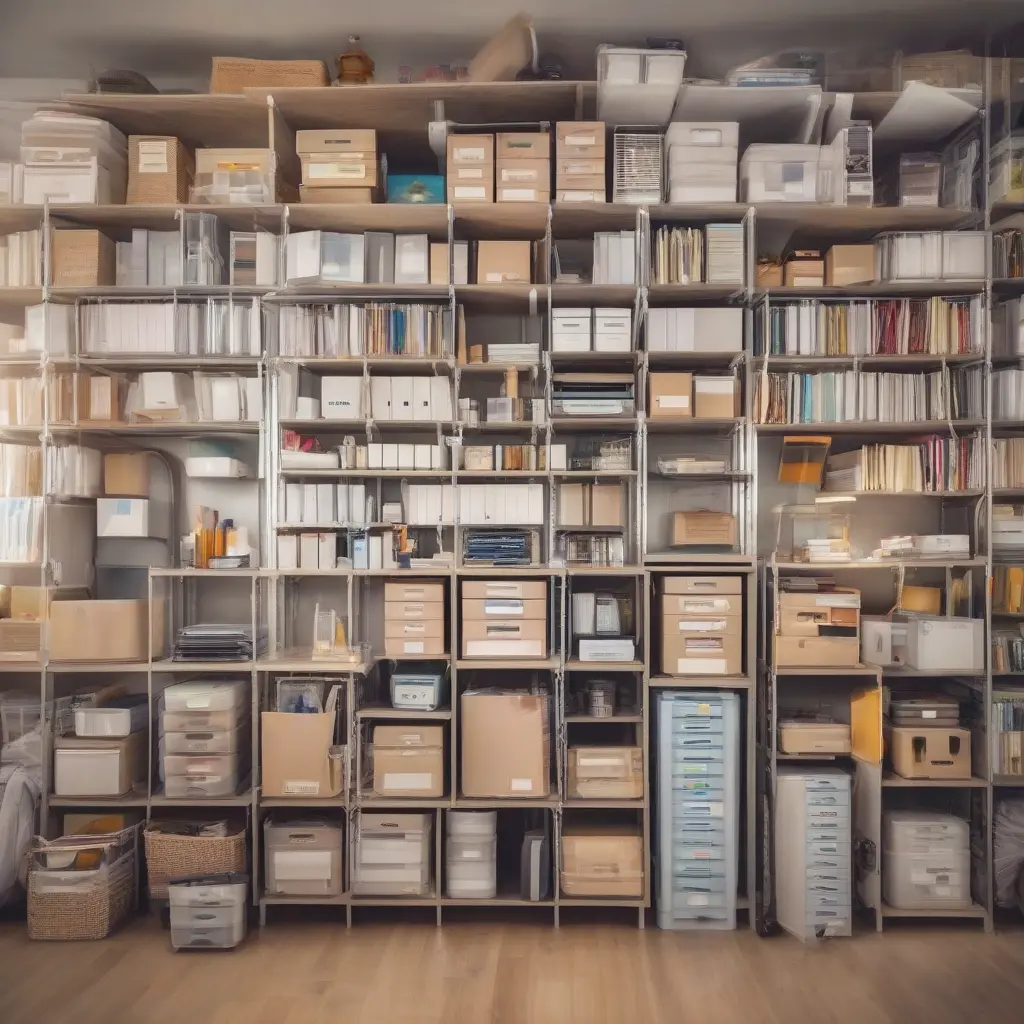
If you work in a physical space, optimizing it can improve both efficiency and comfort. Arrange office supplies and documents so they are easily accessible without disrupting your workflow. Use storage solutions like drawers, shelves, and filing cabinets to keep your area organized. Labeling physical folders or boxes can further streamline this process. An organized workspace promotes focus and reduces distractions, helping you stay on task and maintain a clear headspace for creativity.
Regularly Clean and Organize
Just like digital spaces, your physical workspace requires regular maintenance. Set aside time weekly or monthly to clean and organize both your digital and physical files. Remove outdated documents that no longer serve a purpose and consolidate similar files. This not only helps free up storage space but also improves your ability to find what you need quickly. Keeping everything tidy and up to date minimizes the risk of confusion and enhances your creative process.
Version Control for Creative Projects
For creatives, managing different versions of work is critical. Implement a version control system to keep track of changes made over time. Tools like Git or simple file naming strategies can help you organize different iterations of your projects efficiently. This way, you can easily revert to earlier designs if needed, ensuring that you maintain a workflow that supports creativity while avoiding the chaos of lost ideas or conflicting versions.
Backup Your Work Regularly
Backing up your work is essential to prevent data loss. Create a routine for backing up files, utilizing both cloud services and physical external drives. Schedule regular backups—weekly or bi-weekly—depending on your workload. This not only safeguards your work but also provides peace of mind, allowing you to focus more on the creative process. Remember, losing files can set you back significantly, so prioritizing backups is a smart strategy for all professionals.
Use Project Management Tools
Project management tools like Trello, Asana, or Notion can facilitate storage management by centralizing tasks and files in one place. These platforms often integrate storage options, allowing you to attach files directly to projects and keep all relevant information accessible. Using project management tools not only helps organize tasks but also provides clarity on deadlines and project statuses, which can greatly enhance your productivity as a freelancer or creative professional.
Establish a Routine for Digital Organization
Creating a routine for digital organization can significantly streamline your workflow. Set aside regular intervals, such as the end of each day or week, to categorize and store files appropriately. Develop habits such as archiving completed projects and decluttering your desktop to keep digital spaces uncluttered. This consistency turns organization into a habit and minimizes the time spent looking for files, leading to a more productive and creative work environment.
Leverage Automation Tools
Automation tools can dramatically improve storage management for freelancers by simplifying repetitive tasks. Services like Zapier or IFTTT can automate file organization across multiple platforms. For example, you can set rules for automatically saving email attachments to specific folders in your cloud storage. By integrating automation into your workflow, you can save time and reduce the mental load associated with managing files, allowing you to focus more on your creative endeavors.
Monitor Your Storage Capacity
Regularly monitoring your storage capacity ensures that you do not run out of space when you need it most. Set reminders to check your cloud storage and physical drives to assess how much room you have left. This proactive approach enables you to make timely adjustments, like deleting unnecessary files or upgrading your storage plan. Keeping tabs on your storage capacity helps maintain efficiency and ensures that your work is continually accessible without any disruptions.
Conclusion
Effective storage management is essential for freelancers and creative professionals to maintain productivity and creativity. By implementing these practical tips, you can create an organized work environment, improve file retrieval, and minimize stress associated with clutter. Establish routines, leverage technology, and regularly evaluate your storage needs to ensure a streamlined workflow. With the right practices in place, you will be poised for success in your creative pursuits.