

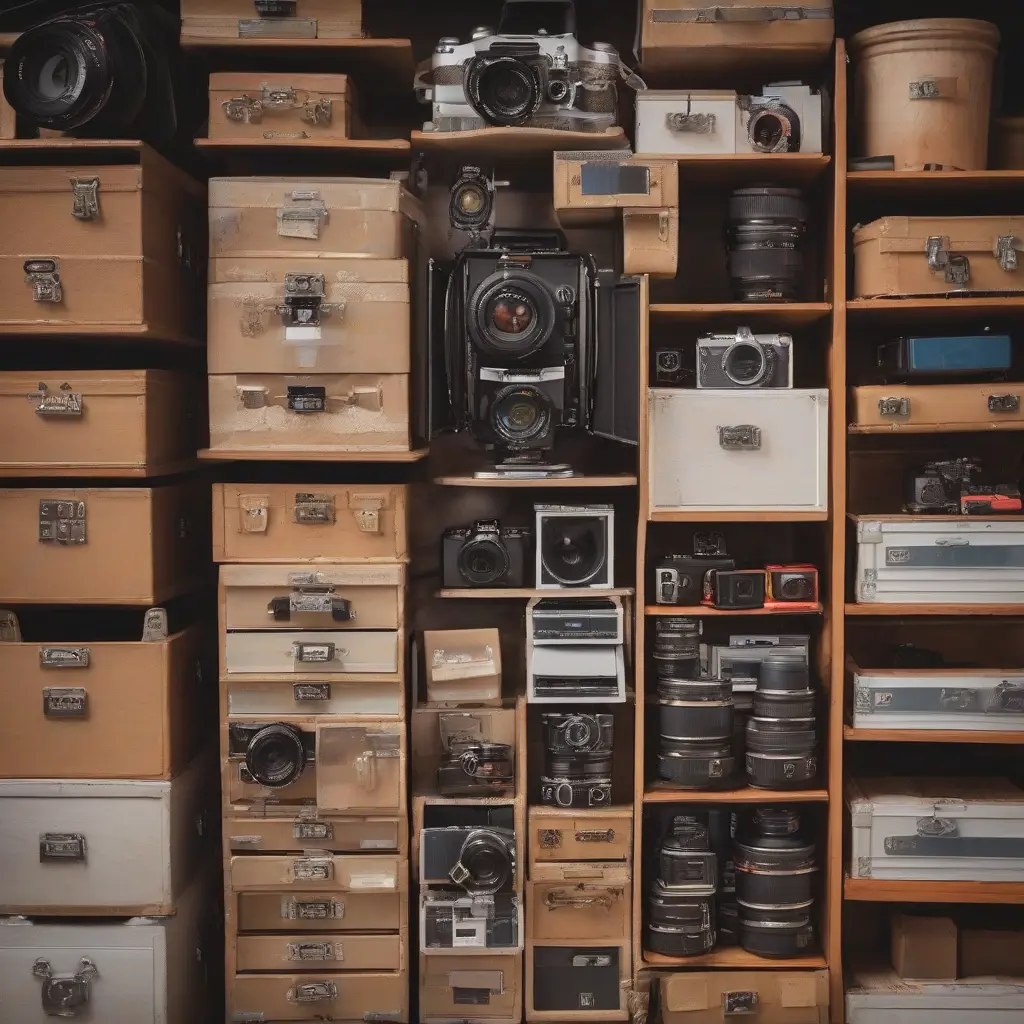
In the fast-paced world of photography, effective storage management is essential for safeguarding your valuable images and ensuring seamless workflow. With the massive amounts of digital data generated through high-resolution photos and videos, understanding how to manage this storage efficiently becomes a priority. Photographers often find themselves grappling with the challenges of data loss, cluttered file systems, and inadequate backup solutions. This article delves into the critical aspects of storage management for photographers, highlighting the importance of organization, backup strategies, and technology choices.
The Impact of Disorganized Storage
Disorganized storage can severely hinder a photographer’s efficiency and creativity. Without a clear filing system, locating specific images becomes a time-consuming task, stifling productivity and increasing frustration. Additionally, the risk of losing valuable images rises when files are scattered or improperly labeled. Disorganized storage systems can lead to misplaced files, leading to lost clients or missed opportunities. Therefore, establishing a coherent organization strategy is vital to preserving creativity and ensuring that important moments are easily accessible.
Choosing the Right Storage Media
Selecting the appropriate storage media is fundamental for photographers. Various options exist, including hard disk drives (HDDs), solid-state drives (SSDs), and cloud storage solutions. Each type offers distinct advantages and disadvantages in terms of speed, capacity, and accessibility. Photographers should consider their specific needs, such as the volume of data produced and how quickly they need to access files. For instance, SSDs are faster and more reliable, making them ideal for immediate data access, while HDDs offer larger capacities at lower costs. Cloud solutions provide the added benefit of remote access and backup.
Implementing an Effective Backup Strategy
A robust backup strategy is crucial for any photographer to safeguard against data loss. Relying on a single storage solution is risky; therefore, a 3-2-1 backup strategy is recommended. This strategy involves keeping three copies of your data: one primary copy and two backups. These backups should be stored on two different media types, and at least one should be offsite. This multi-layered approach not only protects your valuable images from hardware failure but also provides peace of mind against accidental deletions or natural disasters.
File Naming and Organization Techniques
Efficient file naming and organization can streamline a photographer’s workflow significantly. Implementing a consistent naming convention aids in quickly identifying and retrieving files. For example, including the date, subject, and event name in the file name can facilitate easier searching. Organizing files into categorized folders, such as by year, event, or project, further enhances this process. Additionally, utilizing tagging systems can provide further organization and help with searching through large quantities of images effectively.
Cloud Storage: Advantages and Considerations
Cloud storage has become increasingly popular among photographers, offering significant advantages like remote access and ease of sharing. It allows for collaborative projects and quick client access to files without needing physical media. However, photographers should consider factors like security, data privacy, and internet speed when selecting a cloud service. Regularly updating and backing up data to the cloud while ensuring that you have a robust offline copy will provide optimal results. Balancing local and cloud storage is essential for both accessibility and security.
Digital Asset Management Systems
Digital Asset Management (DAM) systems are valuable tools for photographers looking to centralize and streamline their storage management. These systems allow for the organized filing, cataloging, and retrieval of images, making it easier to manage large quantities of files. Features may include advanced search functions, tagging, and metadata management, all designed to enhance workflow and ensure that valuable content is easily accessible. Investing in a DAM system can save photographers considerable time and effort, allowing them to focus on their creative pursuits.
Maintenance and Regular Audits
Regular maintenance and auditing of storage solutions are vital practices that every photographer should adopt. Just as a business performs routine checks on its resources, photographers should regularly evaluate their storage systems. This includes checking for redundant files, ensuring backups are up-to-date, and re-organizing as necessary. Scheduled audits not only help in identifying potential issues but also maintain a clean and efficient storage environment. By staying proactive, photographers can avoid crises associated with data loss or mismanagement.
Using External Drives Wisely
External drives remain a popular choice for photographers needing additional storage and portability. Utilizing them wisely involves selecting reliable brands, ensuring compatibility with different devices, and employing encryption for sensitive images. External drives can serve as both primary storage for high-resolution images and backups for onsite data. Regular monitoring and maintaining the health of these drives can prevent data loss due to hardware failure. Moreover, securely transporting them during shoots can avoid accidental damage or loss.
Future-Proofing Your Storage Solutions
As technology continues to evolve, future-proofing your storage solutions becomes increasingly necessary for photographers. Constantly emerging high-resolution formats and larger file sizes demand scalable storage options. Photographers should prioritize storage solutions that allow upgrades or expansions, ensuring that they can accommodate future data growth without significant interruptions. Additionally, staying informed about industry trends helps photographers anticipate necessary transitions and embrace new technologies well before they become essential.
Conclusion
In conclusion, effective storage management is paramount for photographers aiming to protect their work and streamline their workflow. By understanding the significance of organized storage, choosing the right media, implementing robust backup strategies, and utilizing the right tools, photographers can safeguard their valuable content with ease. As the digital landscape continues evolving, adopting smart storage practices will not only enhance productivity but also ensure the longevity of treasured images and projects.







