

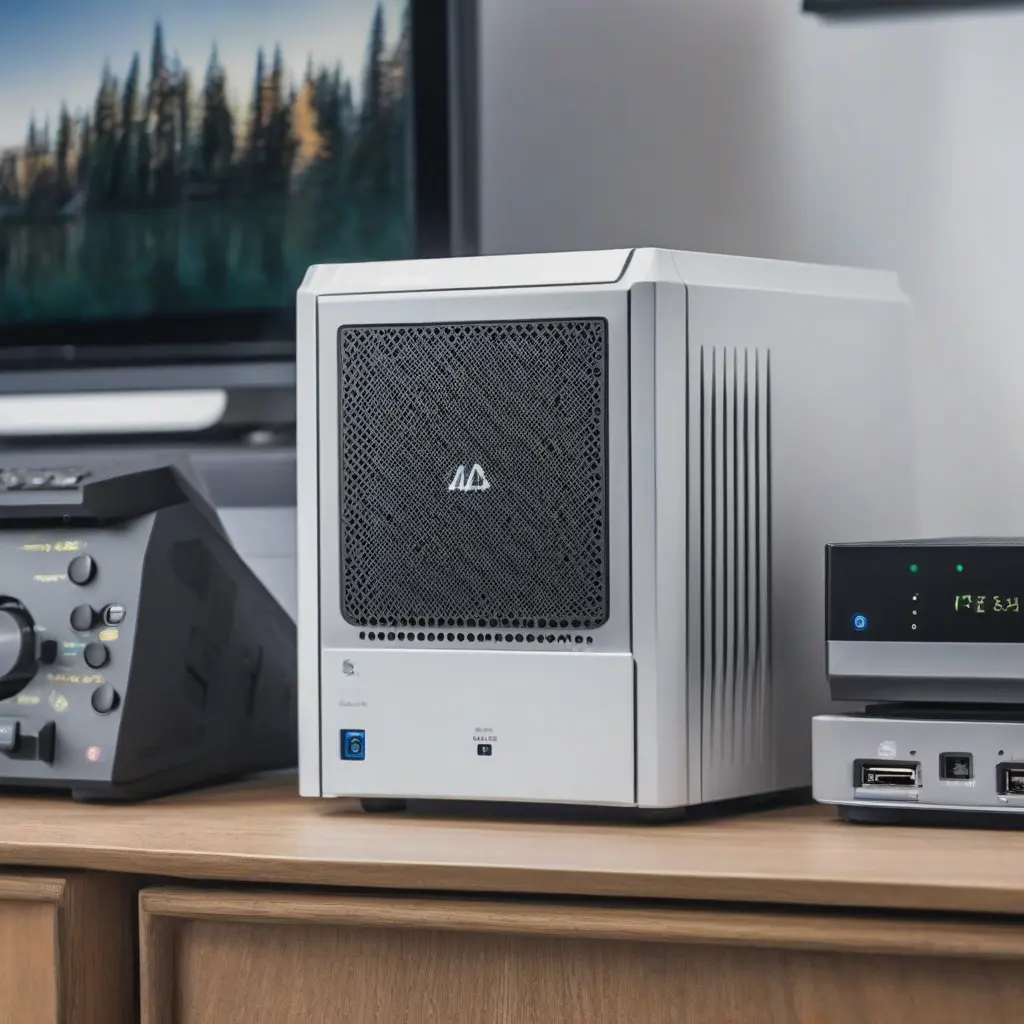
Network Attached Storage (NAS) devices have gained popularity among home users for their practical storage solutions. These systems provide a centralized location for storing, accessing, and sharing data across various devices within a network. For beginners, understanding NAS can seem daunting, but breaking down its features, setup process, and benefits can clarify its value. This guide will delve into the essentials of NAS devices, helping you make informed decisions about home storage management.
What is a NAS Device?
A Network Attached Storage device is essentially a dedicated storage solution connected to a network. Unlike traditional external hard drives, NAS devices allow multiple users and devices to access stored data simultaneously, making it ideal for shared environments. They usually consist of one or more hard drives, housed in a single unit, and can be accessed via Wi-Fi or Ethernet. This centralized storage is particularly beneficial for backing up files or streaming media across different gadgets within a home network.
Key Features of NAS Devices
NAS devices come equipped with a variety of features that enhance their functionality. Common features include RAID configurations for data redundancy and increased performance, remote access capabilities for accessing files from anywhere, and media server functionality that allows for seamless streaming. Many NAS units also offer user-friendly interfaces, mobile applications, and cloud integration options, making it easy to manage files from different devices. These features make NAS an appealing choice for data storage and management.
Benefits of Using a NAS for Home Storage
There are numerous benefits to using a NAS for home storage. First and foremost, it provides a centralized file repository that can be accessed by multiple users, reducing the hassle of transferring files via USB drives or email. It also enhances data security, as many NAS devices offer built-in backup options and the ability to set up automated backups. Additionally, NAS systems often support media streaming, allowing you to enjoy music, videos, and photos throughout your home without the need for multiple devices.
Choosing the Right NAS Device
Selecting the appropriate NAS device involves considering factors such as storage capacity, number of drive bays, and intended use. Beginners should assess how much data they plan to store and the number of users who will access the device. Some models offer one or two drive bays, while others can accommodate more, allowing for further expansion. It’s also essential to review user reviews and specifications to ensure compatibility with your existing network and devices before making a purchase.
Setting Up Your NAS Device
Setting up a NAS device is generally straightforward and involves connecting it to your network using an Ethernet cable. After powering it on, users can access the device via a web interface to configure settings, create user accounts, and set up storage options. Most NAS systems come with step-by-step instructions, guiding you through the installation process. Once configured, users can map the NAS drive on their computers to access files as if they were stored locally.
Managing Data on Your NAS
Data management on a NAS device is crucial for maintaining an organized file system. Users should create a folder structure that is intuitive and easy to navigate, possibly categorizing files by type or project. Regular maintenance, such as monitoring storage utilization and deleting unneeded files, helps prevent potential issues. Many NAS systems also offer software tools for managing files, including scheduling backups and restoring previous versions of documents, ensuring data integrity and ease of access.
Enhancing NAS Security
Security is a vital consideration for NAS users, as sensitive data stored on these devices can be vulnerable to unauthorized access. Implementing strong passwords for user accounts and enabling two-factor authentication are effective ways to enhance security. Additionally, configuring firewall settings and regularly updating firmware can help protect against potential threats. Users should also consider encrypting important files for an additional layer of security, ensuring that sensitive information remains safe and private.
Popular NAS Brands and Models
There are several reputable brands in the NAS market, including Synology, QNAP, and Western Digital. Each brand offers various models suited for different needs and budgets. For beginners, models such as the Synology DiskStation DS220+ and QNAP TS-451+ provide robust features and user-friendly interfaces, making them ideal starting points. It’s important to compare specifications, read reviews, and assess any additional features that align with your specific storage requirements before making a decision.
Future Trends in NAS Technology
As technology advances, the landscape of NAS devices continues to evolve. Future trends include increasing integration with cloud services, providing users with hybrid solutions that combine local and remote storage. Improved data management software and enhanced user interfaces are also expected to simplify the user experience further. Additionally, developments in faster networking technologies, like Wi-Fi 6, will likely influence the performance and accessibility of NAS devices, making them even more appealing for home storage solutions.
Conclusion
In summary, NAS devices offer a versatile and efficient solution for home storage management. By understanding their features, benefits, and setup processes, beginners can effectively leverage these systems to enhance their data organization and accessibility. Selecting the right NAS model, managing data securely, and keeping an eye on evolving technologies can help users maximize their investment and ensure their storage needs are met for years to come.







