

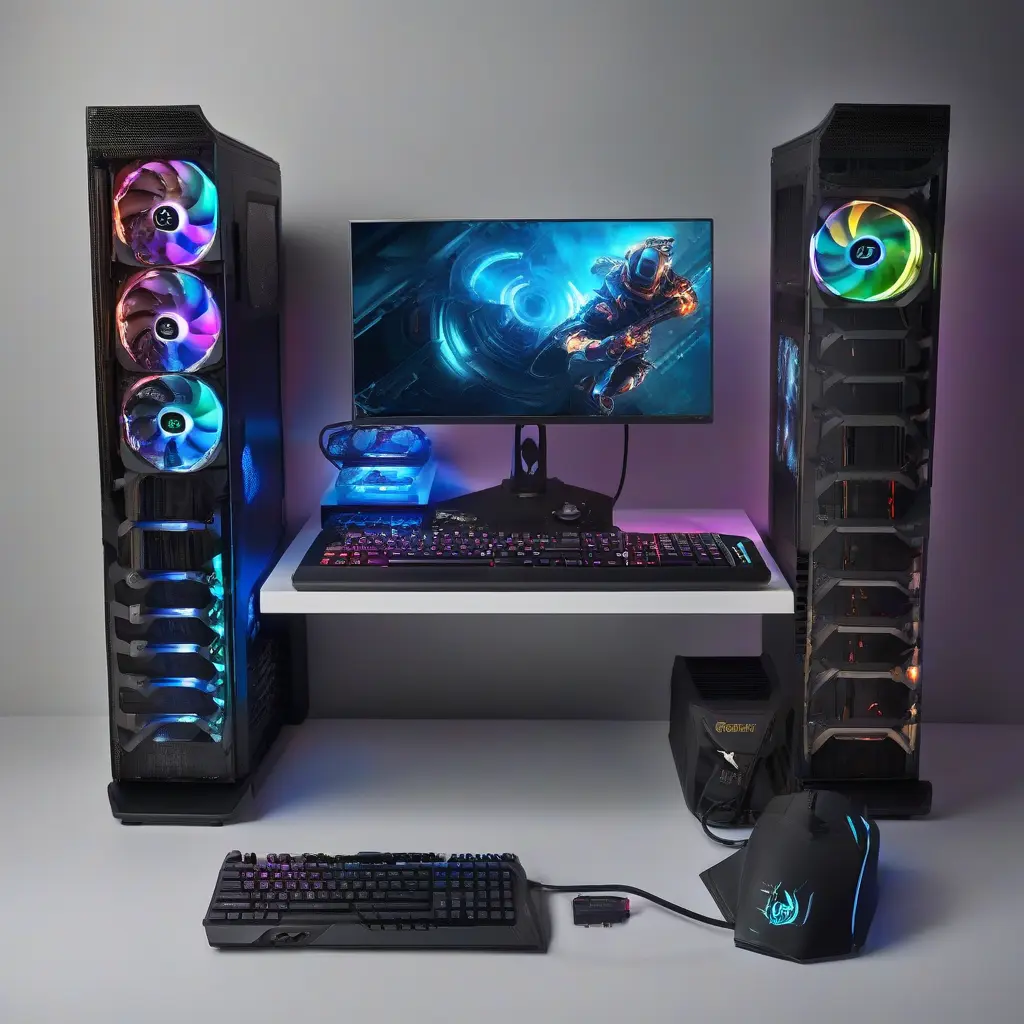
Upgrading your gaming PC’s hardware can significantly improve its speed and performance, enhancing your gaming experience. Many gamers face issues with lag, slow load times, and frame rate drops, which can undermine the enjoyment of their favorite titles. This guide explores the most effective hardware upgrades, covering key components like CPU, GPU, RAM, and storage solutions. Whether you’re looking to play the latest AAA games or tackle competitive esports, these improvements can help you achieve smoother gameplay and faster load times, ultimately making your setup more enjoyable and efficient.
Upgrade Your CPU for Enhanced Performance
The central processing unit (CPU) is the brain of your gaming PC and plays a crucial role in overall performance. Upgrading to a more powerful CPU can lead to significant improvements in frame rates, particularly in CPU-intensive games. Look for CPUs with higher core counts and clock speeds, as these features generally translate to better performance. Additionally, ensure compatibility with your motherboard before making a purchase. Consider options like AMD’s Ryzen 5000 series or Intel’s 11th generation processors for optimal results in modern gaming.
Maximize Frame Rates with a New GPU
The graphics processing unit (GPU) is paramount for delivering high-quality visuals and smooth frame rates in games. If you’re experiencing stutter or low frame rates, investing in a new GPU can provide a significant boost. Modern GPUs not only improve graphical fidelity but also support advanced features like ray tracing and higher resolutions. Brands like NVIDIA and AMD frequently release new models, so research various options based on your budget and gaming requirements. Always check for VRAM capacity and benchmark performance in games you enjoy to make an informed decision.
Expand Your RAM for Better Multitasking
Increasing your system’s RAM is a straightforward way to enhance both gaming performance and multitasking capabilities. Most modern games recommend at least 16 GB of RAM, but upgrading to 32 GB can future-proof your setup for upcoming titles and enhance overall performance during gaming sessions. Dual-channel configurations allow for better performance compared to single-channel setups, so aim for matching RAM sticks if you add more. This simple upgrade can lead to smoother gameplay, quicker load times, and a generally more responsive system.
Improve Load Times with an SSD
One of the most impactful upgrades you can make to a gaming PC is switching from a traditional hard drive (HDD) to a solid-state drive (SSD). SSDs offer faster read and write speeds, which significantly decrease loading times for games and applications. By installing your operating system and frequently played games on an SSD, you can experience up to three times quicker boot times and improved performance overall. NVMe SSDs are particularly fast and can connect directly to your motherboard, providing even more speed for an efficient gaming experience.
Choose the Right Cooling Solutions
Effective cooling solutions are essential for maintaining optimal performance in a gaming PC. Upgrading your CPU cooler or adding additional case fans can help keep temperatures down during intensive gaming sessions. Overheating can lead to thermal throttling, which reduces performance. Consider options like liquid cooling systems or premium air coolers that provide superior heat dissipation. Ensuring proper airflow in your case enhances overall cooling and prolongs the life of your hardware, making it a crucial aspect of any upgrade plan.
Upgrade Your Power Supply Unit (PSU)
A reliable and sufficient power supply unit (PSU) is vital for the stable operation of your gaming PC, especially after upgrades. If you’re upgrading to a high-performance CPU or GPU, ensure your PSU has enough wattage to support the new components. Look for power supplies with high efficiency ratings, such as 80 Plus Gold or Platinum, which reduce unnecessary energy loss. A good PSU not only provides stability but also protects your components from electrical failures, ensuring a safer gaming experience in the long run.
Consider a Motherboard Upgrade
While upgrading individual components often enhances performance, sometimes a new motherboard is necessary to unlock compatibility with the latest technology. A motherboard upgrade may be essential when transitioning to a new CPU generation or adding more RAM slots. Modern motherboards come with features such as enhanced power delivery, improved VRMs, and support for faster memory speeds. When selecting a new motherboard, consider factors like chipset compatibility and the number of expansion slots it provides for future upgrades to optimize your gaming setup.
Utilize Cable Management for Efficient Airflow
Effective cable management is an often-overlooked aspect of building a gaming PC that directly impacts performance and aesthetics. Disorganized cables can restrict airflow within your case, leading to higher temperatures that affect component longevity and performance. Using cable ties, sleeves, or even custom cables can help tidy up your setup. This not only improves airflow but also makes future upgrades easier as you can easily access components. A clean build not only looks professional but promotes efficient cooling, leading to a more optimal gaming experience.
Explore Peripheral Upgrades
Improving your gaming experience isn’t solely dependent on internal hardware; peripheral upgrades also play a significant role. High-quality gaming mice, keyboards, and monitors can enhance your gameplay. For instance, a monitor with a higher refresh rate provides smoother visuals, which is critical for fast-paced games. Similarly, a gaming mouse with customizable DPI settings can improve accuracy and responsiveness. Investing in these peripherals can make a noticeable difference in your performance and enjoyment while gaming, complementing any internal hardware upgrades.
Conclusion
Upgrading your gaming PC with the right hardware can lead to substantial performance enhancements, ensuring a more enjoyable gaming experience. From upgrading your CPU and GPU to expanding your RAM and optimizing storage, each component contributes to improved speed and efficiency. Evaluate your current setup, identify bottlenecks, and prioritize upgrades based on your gaming style and budget. By investing in these essential hardware improvements, you’ll be well on your way to a faster, more versatile gaming system that can tackle any modern title.







